EMEX Auckland · Stand 3049
Wall-mount TimeDock Machines. Online timesheets.
Wall-mount Machines. Online timesheets.
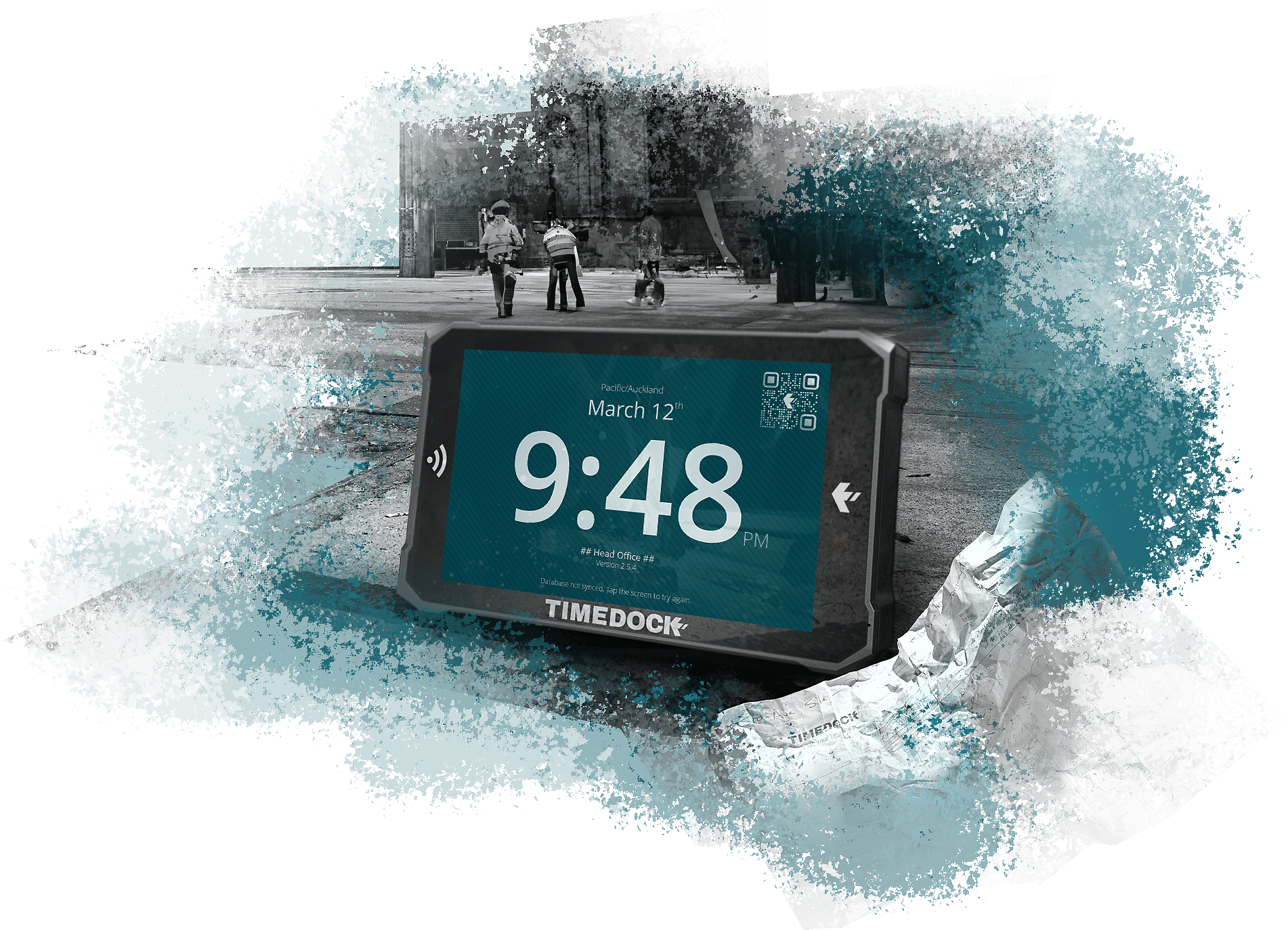
Visit TimeDock at EMEX Auckland and see how engineering, manufacturing, workshop and industrial teams dock into work with rugged wall-mounted TimeDock Machines.
Track live timesheets, job hours and payroll-ready exports without the payday scramble.
Developed in New Zealand · Built for hard-wearing worksites · Payroll-ready timesheets · Job and activity code tracking




EMEX brings together industrial technology suppliers. If you're heading to the show to find practical ways to tighten up production, labour visibility or payroll admin, add TimeDock to your visit list.
Planning your EMEX visit?
When
Tuesday, 26 May 2026, 9am - 5pm
Wednesday, 27 May 2026, 9am - 5pm
Thursday, 28 May 2026, 9am - 4pm
Where
Auckland Showgrounds
217 Green Lane West, Epsom, Auckland 1051
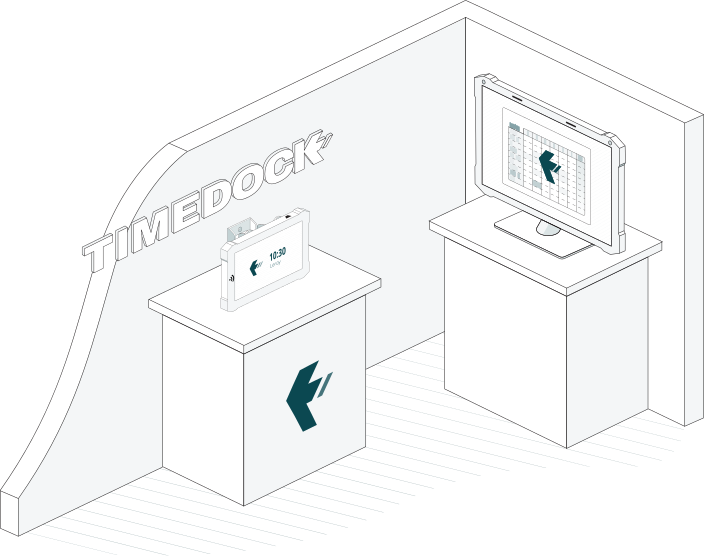
Find TimeDock at EMEX
Expo stand 3049
Bring us your messiest timesheet problem.
If your team still relies on paper sheets, spreadsheet fixes, rounded hours, supervisor memory or last-minute payroll chasing, we will show you what that process looks like when workers dock in at the wall as they start work.
See a TimeDock Machine in action
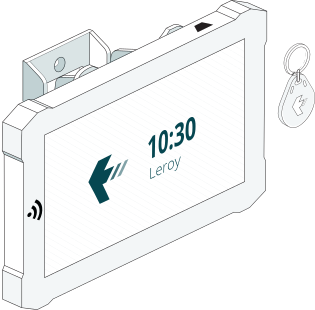
Tap a fob or card, dock in, select a job or activity code if needed, and see the entry appear in the TimeDock Dashboard.
See job hours without the spreadsheet chase
Track who worked, when they worked, and which job or activity their hours belong to while the work is actually happening.
See payroll-ready timesheets
Turn live dock-ins into reviewed, exportable timesheets for payroll and reporting.
See how hardware and mobile work together
Use wall-mounted TimeDock Machines as the primary setup, with TimeDock Mobile App options for supervised crews or off-site work.
Put the dock-in point where the work starts
The TimeDock Machine gives staff one obvious place to dock in and dock out. No hunting for an app. No shared spreadsheet. No handwritten reconstruction at the end of the week.
Mount it where work begins: workshop entrance, factory floor, dispatch bay, site office, warehouse, lunchroom or production area.
Self-service docking
Workers dock themselves in with a fob or card.
Job and activity prompts
Prompt workers to select the right job, project or activity code before the work begins.
Live Dashboard visibility
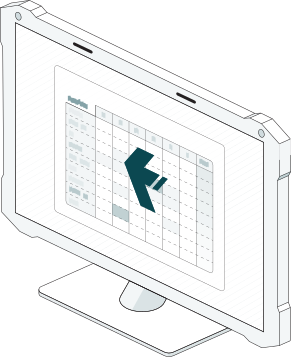
See who is docked in, where the hours are landing and what needs review.
Payroll-ready exports
Review and export timesheets without rebuilding the week from memory.
Built for real worksites
Purpose-built hardware, supported by TimeDock, designed for everyday use in practical work environments.
Install without a complicated IT project
Attach to the wall, Plug in, then start Docking
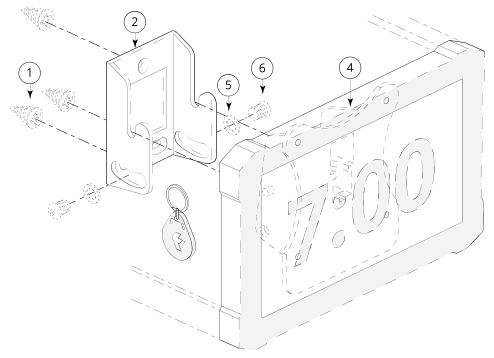
1. Screw bracket to wall
Includes the wall bracket, fixings, and tools needed for a clean, secure install.
2. Bolt on and adjust the swivel
Lock the TimeDock Machine into place and angle it for easy staff docking.
3. Plug in and connect to WiFi
Power it up, connect to your network, and sync dock-ins to the TimeDock Dashboard.
4. Dock in like Paywave
Staff tap their fob or card to start recording accurate timesheets as the work happens.
| each | Purchase the hardware upfront, then choose a plan starting at $5 per person, per month.* |
| $23 /mth | Platform licensing from $5 per person, per month, including software and support. |
* Hardware requires online software plan.
Need mobile as well? Add it where it makes sense
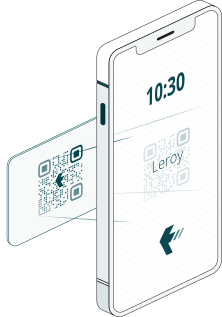
For teams that move between sites, supervisors can use the TimeDock Mobile App to dock workers in from approved devices.
For workshops, factories, warehouse and fixed work locations, start with the wall-mounted TimeDock Machine. It creates one clear, reliable dock-in point that workers can use without logging into personal phones.
No App Rollout to hundreds of Phones
Run mobile tracking with designated foremen/supervisors. No mass downloads, logins, or device failures across the whole crew.
Lightning Fast
Pick the job, then scan workers in rapid-fire. Minimal taps, no fiddling with menus -built for fast-moving site starts.
Point-of-Work proof of work
When supervisors do the scanning at the jobsite, the "approval" is captured in real time. Foremen aren't stuck reviewing and correcting entries later.
For tactile industries
Timesheets should be engineered, not guessed
Engineering and manufacturing teams do not need another fragile admin process. They need a simple, physical way for people to dock in at the point of work, then a reliable online record of hours, jobs and activity codes.
TimeDock is built for teams that work with tools, machines, materials, vehicles and production deadlines, not office-only timesheet habits.

Workshops
Built for busy trade environments where staff move between jobs, tools, and tasks all day.
Warehouses
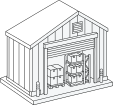
Track time accurately across shifts, loading zones, dispatch areas, and warehouse teams.
Construction sites
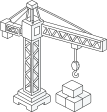
Reliable time tracking for rugged worksites, subcontractors, and crews in the field.

Multi-site
Keep teams connected and accountable across multiple locations and job sites.
Slash admin time and boost accuracy
Dovetails with payroll software
TimeDock Exports TimeSheet Data Files for the leading payroll systems worldwide.
Others, such as Xero Payroll, integrate with a direct push.
Frequently asked, about TimeDock at EMEX
When is EMEX Auckland?
EMEX Auckland runs from 26-28 May 2026 at Auckland Showgrounds. Show hours are 9:00am-5:00pm on Tuesday and Wednesday, and 9:00am-4:00pm on Thursday.
Where is TimeDock at EMEX?
Find TimeDock at Stand 3049. We will be showing wall-mounted TimeDock Machines, online timesheets, job-hour tracking and payroll-ready exports.
What will TimeDock be demonstrating?
We will demonstrate how workers dock in using a wall-mounted TimeDock Machine, how job and activity codes can be captured, and how live timesheets appear in the TimeDock Dashboard for payroll review.
Is TimeDock mainly hardware or mobile?
For EMEX, we are focusing on wall-mounted TimeDock Machines. The TimeDock Mobile App is available for supervised teams and off-site work, but the wall-mounted machine is the primary fit for workshops, manufacturing floors, warehouses and fixed work locations.
Can TimeDock track job hours?
Yes. TimeDock can capture project and activity information so hours are attributed to the right job or work code.
Can TimeDock work across multiple machines?
Yes. TimeDock can run across multiple machines and locations, with entries synchronising into the TimeDock Dashboard.
How quickly can TimeDock be installed?
TimeDock Machines are designed for fast installation: mount the bracket, attach the machine, connect power and WiFi, then start docking in. Confirm current delivery and setup timing with the TimeDock team at EMEX.
Does TimeDock work with payroll software?
Yes. TimeDock supports payroll exports and integrations with a range of payroll and accounting systems. Bring your payroll setup to the booth and we will show you the cleanest path.
Ready to see TimeDock in action?
Book a TimeDock demo at EMEX
Tell us how your team currently tracks hours, jobs and payroll. We'll show you what the same workflow looks like with TimeDock Machines, online timesheets and payroll-ready exports.
Book a Demo Talk to SalesThe timesheet above is a live timesheet embedded directly from one of our demo accounts.
Click here to learn how to share your own live timesheets as a private link.